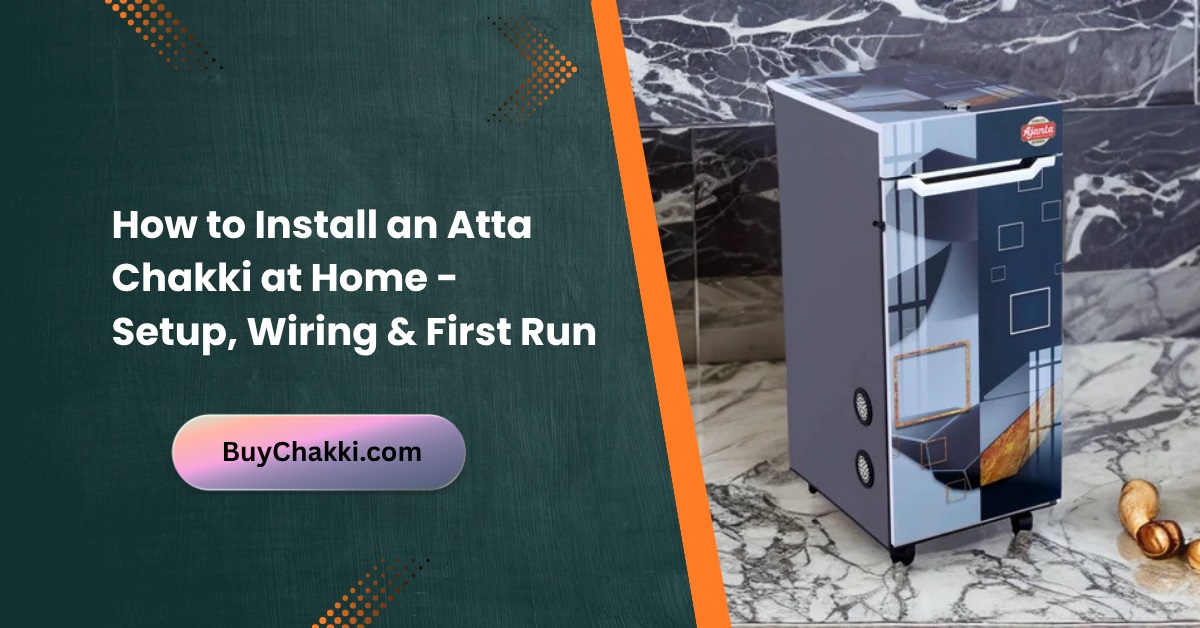
How to Install an Atta Chakki at Home (DIY Tutorial)
Installing your own atta chakki at home is easier than you might think. Whether you’ve just bought a new domestic flour mill from Amazon India or are setting up a traditional stone grinder, this simple step-by-step guide will help you get started safely and efficiently.
Why Proper Installation Matters
Correct installation ensures your atta chakki runs smoothly, delivers consistent grinding results, and lasts for years. Many people skip basic setup steps, which can lead to vibration, noise, or reduced flour quality over time.
Tools and Materials You’ll Need
- Stable platform or flat surface
- Power outlet (with proper voltage)
- Dry cloth and brush for cleaning
- Instruction manual (from manufacturer)
- Optional: Anti-vibration mat or rubber base
Step-by-Step Atta Chakki Installation Guide
Step 1: Choose the Right Spot
Pick a clean, dry corner in your kitchen or utility area. Make sure the atta chakki sits on a flat, level surface. Avoid placing it near the sink or any area exposed to moisture.
Step 2: Unbox and Inspect the Machine
Carefully unbox your flour mill and check for any damage or loose parts. Verify that the sieve set, container, brush, and manual are included. If you bought it online, like from Amazon India, inspect it immediately after delivery.
Step 3: Fix the Grinding Chamber
Open the main chamber and ensure the grinding stones or blades are properly aligned. If your model uses stone burrs, make sure they’re seated tightly. Some brands, like Natraj or Milcent, may include pre-aligned chambers.
Step 4: Insert the Sieve
Select the sieve according to the flour fineness you prefer. Most atta chakkis come with 6–8 different sieves. Attach it securely in the chamber following the arrows or locking clips.
Step 5: Connect the Waste Container
Place the flour-collecting container properly below the outlet. Ensure the lid closes tightly to avoid spillage during grinding.
Step 6: Plug In the Machine
Connect your atta chakki to a 230V power outlet. Ensure that the socket is grounded and avoid using loose or multi-pin extensions. Keep wires away from the grinding area.
Step 7: Test Run Without Grains
Before adding wheat or other grains, run the machine empty for 10–20 seconds. This helps you check for abnormal noise or vibrations.
Step 8: Add the Grains
Once everything sounds smooth, add your grains slowly into the hopper. Do not overload. If you’re grinding multiple grains like diabetic mixes or millets, feed them one batch at a time.
Step 9: Collect the Fresh Flour
Wait until the machine finishes grinding completely. Turn off the power before opening the lid. Your fresh, home-ground atta is now ready to use!
Maintenance Tips After Installation
- Clean the grinding chamber and sieves after every use.
- Once a month, deep clean your chakki using a dry brush (see Maintenance Checklist).
- Keep the machine covered when not in use.
- Avoid using wet grains – moisture can damage the motor and stones.
Common Mistakes to Avoid
- Placing the machine on an uneven or shaky surface.
- Running the chakki continuously for too long without breaks.
- Ignoring strange sounds or burnt smell (refer to Common Atta Chakki Problems).
Final Thoughts
Installing an atta chakki at home is a one-time effort that pays off for years. Once set up, you can grind fresh, chemical-free flour daily and even experiment with gluten-free flour mixes or healthy grains. A properly installed and maintained flour mill ensures you get pure, nutritious atta every time.